

























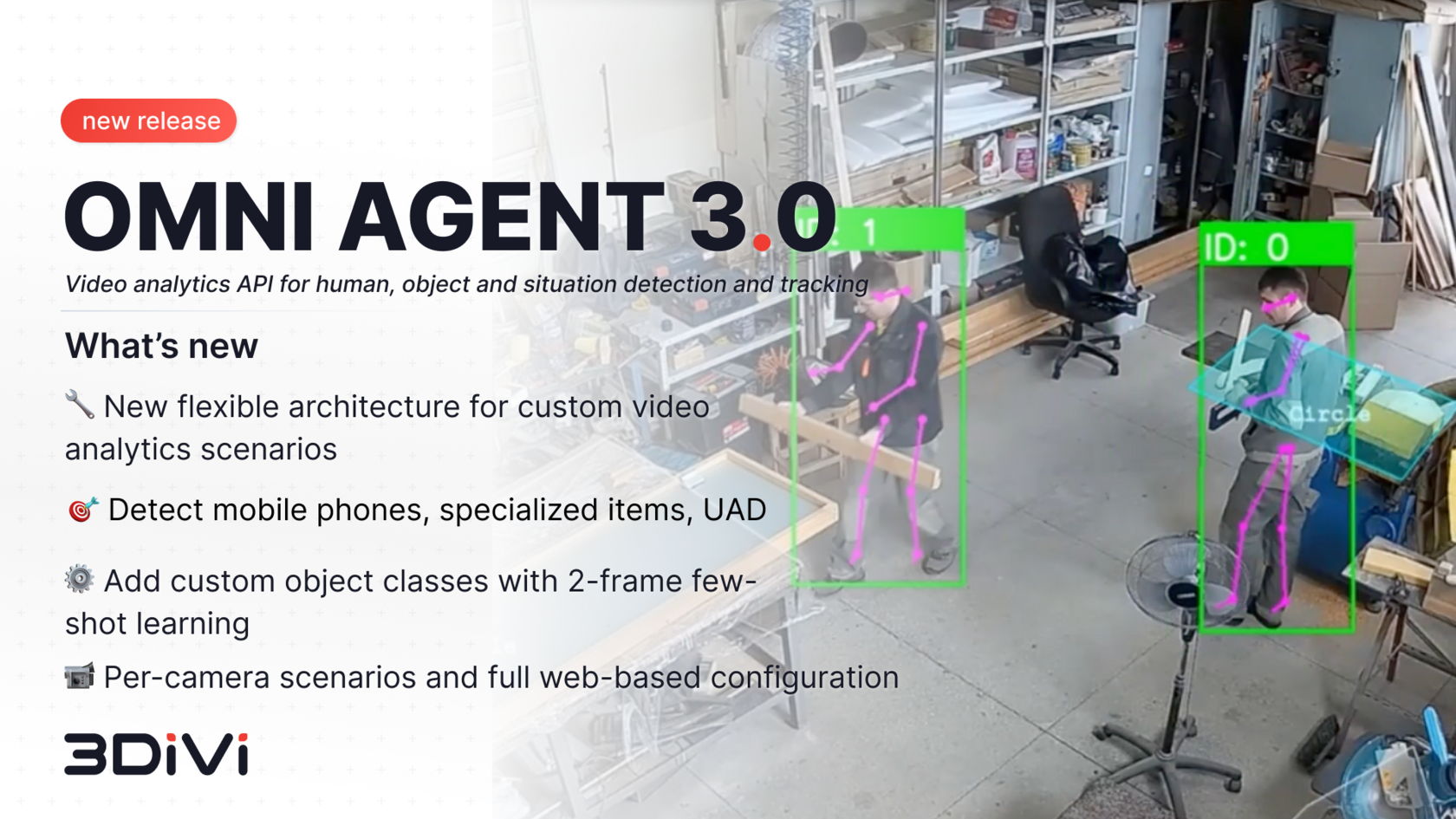
Meet 3DiVi Omni Agent 3.0 — an update that makes video analytics more adaptive, accurate, and cost-efficient than ever. This release brings major improvements in architecture, server hardware optimization, performance on low-power devices, and usability via the web interface.
🔧 New Architecture and Smarter Detection Capabilities
- Omni Agent 3.0 introduces a new pipeline management architecture. You can now create video analytics scenarios tailored to your needs using existing detectors — without reinstalling the agent.
- Detection scenarios have expanded: mobile phones, specialized objects, and unusual activities (UAD) can now be detected quickly and cheaply. Updating detection weights and templates is seamless — no reinstallation or reconfiguration required.
- Detection scenarios can now be optimized for camera angles — overview or vertical — with recommended detectors for each. Previously, switching required editing configuration files; now it’s all accessible directly through the web interface.
- Detector accuracy and coverage have been improved while reducing resource consumption for body, skeleton, and human activity recognition (HAR) tracking. Models have been retrained to improve human motion recognition in varying lighting conditions, indoors and outdoors. Now, detectors can capture people even in scenarios challenging for the human eye. These upgrades are already improving industrial projects where perimeter control and equipment interaction directly impact safety and production quality.
- You can now set object sizes that trigger events in regions of interest (ROI) and line crossings, and set timeouts for repeated events. This reduces false alarms and operator workload while ensuring only relevant detections are reported.
⚙️ Hardware Cost Savings and Improved Low-Power Performance
- Video analytics scenarios can now be applied to selected cameras only, with individual scenario settings and triggers for each camera.
- You can restrict analysis to specific zones within a frame, define ROIs inside these zones, and mask irrelevant areas — all while keeping full-frame recordings in triggered events.
- An external API allows activating or stopping selected analytics scenarios.
- Linux now supports TensorRT 8x acceleration, while Windows continues to support CUDA acceleration.
🎯 Web Interface Updates — Easier Configuration and Monitoring
- All settings have been moved from configuration files to the web interface, making it faster and easier to create custom analytics scenarios.
- User (workspace) information is now displayed, showing licensing and event reporting status.
- Object rendering on previews can be disabled for cleaner viewing.
- Analytics scenario load monitoring is now available.
Ready to unlock smarter, faster business decisions with video analytics?
👉 Contact our team or request a demo — we’ll show you exactly how it works.
👉 Contact our team or request a demo — we’ll show you exactly how it works.